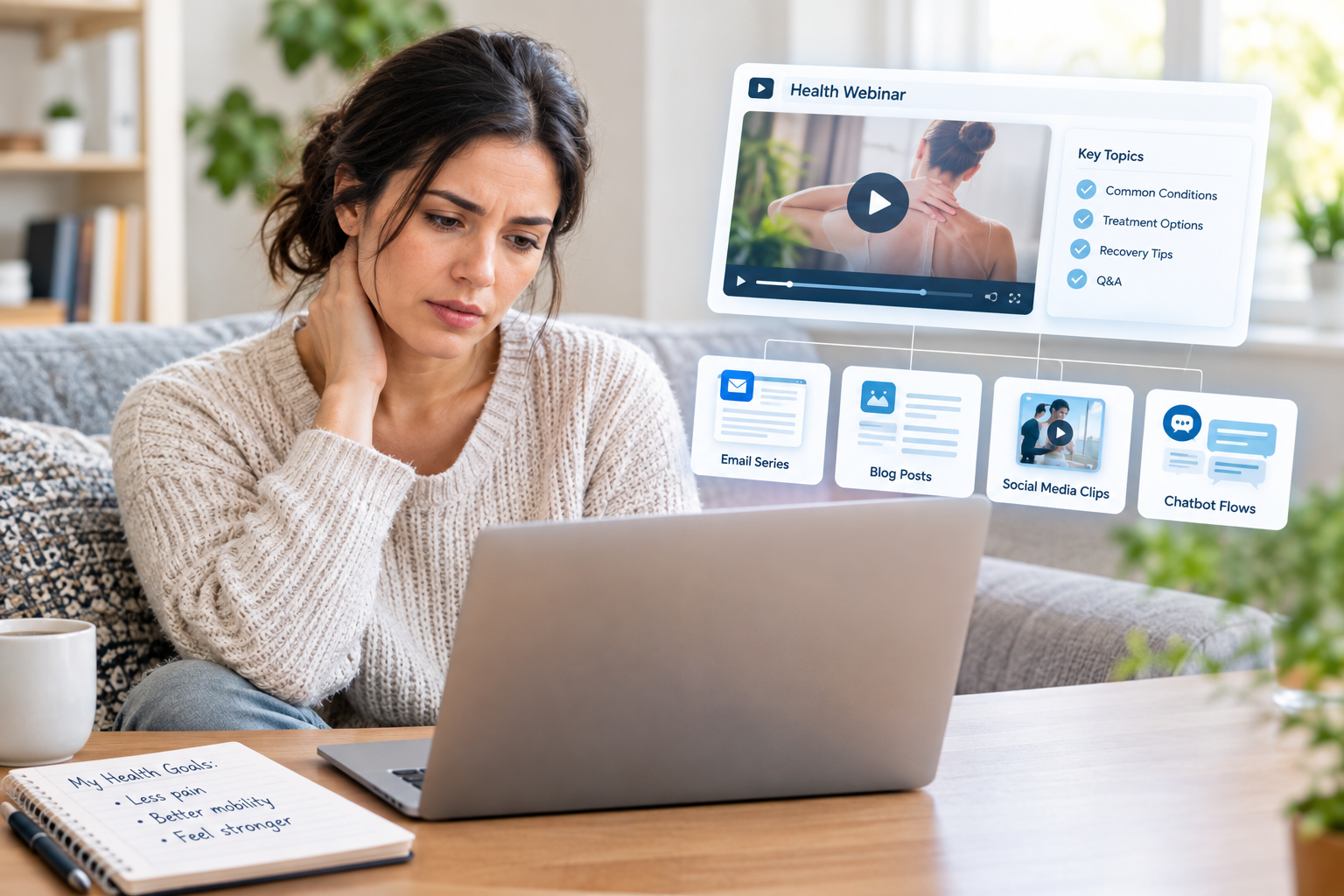
A single strong webinar should not be a one-night event that disappears by the next morning. With the right system, that one recording can feed your SEO, your email list, your CRM, and your front desk schedule for a full month without extra stress on your team.
In this article, we will walk through an evergreen webinar repurposing system built for medical practices. We will keep it HIPAA safe, simple for staff to follow, and ready to plug into technology you may already have. The goal is clear: turn one good webinar into 30 days of education and lead nurturing that supports real patient visits.
Turn One Webinar Into a 30-Day Patient Pipeline
Most medical practices treat webinars like one-time events. The team works hard to plan and promote the live night, then once it is over, everyone moves on to the next thing. That means all that teaching, all those questions, and all that ad spend stop working the second the live session ends.
An evergreen webinar repurposing system flips that. We take one high-performing webinar and break it into:
- Email sequences that nurture leads
- SEO-focused blog posts and FAQ pages
- Short video clips for social and ads
- Chatbot flows and CRM touchpoints
This turns your webinar into a patient education engine that runs all month long. It is especially powerful as you plan for late-year and early-year schedules, when many patients are thinking about benefits, deductibles, and new health goals.
Why Most Medical Webinars Underperform After Go-Live
The main problem is the one-and-done mindset. Staff spends weeks choosing a topic, getting the doctor ready, building slides, and promoting the live event. Then the recording sits in a shared drive or a video folder and never gets used again.
There are a few common blockers:
- Worries about HIPAA and PHI in the Q&A
- No clear owner for editing and posting
- No plan for where the content should live
- No way to track what content leads to appointments
When that happens, you lose a big chance to boost SEO, nurture leads who were not ready to book yet, and keep educating your community at scale. The live event may go well, but the long-term ROI is low compared to the effort your team put in.
Build a HIPAA-Safe Evergreen Webinar Foundation
The system starts before you ever hit record. To turn a webinar into a full content month, you need the right topic, the right structure, and the right compliance guardrails from day one.
Pick topics that have ongoing search demand and real patient value, like:
- Common conditions your providers treat often
- Procedures people research and worry about
- Seasonal issues like flu, allergies, or back-to-school health
- Medicare questions or year-end benefit use
Next, structure the webinar with repurposing in mind. That means:
- Clear segments with short subtopics
- Repeating key phrases and takeaways
- Simple visuals that work even as screenshots
- Natural breaks that turn into clips later
To keep it HIPAA safe, bake in compliance from the start. Use scripted case examples instead of real patient stories, avoid any identifiers in Q&A, add standard disclaimers, and be clear about consent if you show any real images. When the content is clean from the beginning, your team can repurpose it without long legal reviews each time.
From One Recording to a Month of SEO and Email Content
Once the webinar is done, the real work begins. First, turn the recording into a full transcript. This becomes your content goldmine.
From that transcript, map out:
Free Strategy Call
Ready to grow your practice?
No commitment. 30 minutes. A clear plan for your growth.
- One or two cornerstone blog posts that cover the main topic
- Several shorter FAQ articles that answer common patient questions
- Supporting posts that dig into prep, recovery, or next steps
Use language patients actually use when they search online. That is what feeds your SEO and helps people find your practice when they are looking for answers.
Next, build a 30-day email nurture sequence. Break the core teaching into small, helpful emails such as:
- Myth versus fact breakdowns
- Step-by-step guides for how to get started
- Simple checklists to bring to a visit
- Gentle reminders that link to your booking page or phone number
You can reuse the same content across channels. The email text can become social captions, short blog sections, and copy for downloadable guides or symptom checklists on your site.
Turn Clips and Chatbots Into 24/7 Patient Educators
Short-form video is a simple way to keep your webinar working all month. Clip the recording into 15- to 60-second videos that focus on one clear point at a time. These can be used as:
- Social posts to build trust with your community
- Paid video ads that send people to a replay page
- Website hero clips that introduce the provider and topic
Each clip should have one main idea and one clear call to action, like watching the full replay or learning about screening options.
Then, turn your most common webinar questions into chatbot flows. Pull FAQs from the Q&A section and turn them into pre-approved scripts for an AI chatbot. The chatbot can:
- Answer patient questions at any hour
- Help people understand if your service is right for them
- Collect contact information in a HIPAA-aligned way
- Pass hot leads into your CRM for follow-up
When chatbot activity connects to your CRM, every click, video view, and question can trigger the right next step for that person.
Plug the Evergreen Webinar Engine Into Your CRM
Your CRM is where all of this comes together. Start by mapping the patient journey that each webinar supports. For example:
- Ad or social post to webinar registration
- Live attendance or replay view
- Email nurture series
- Chatbot questions
- Appointment request or call
Then, use scoring and segmentation. People who watch the full replay, click links in multiple emails, or chat about pricing or timing are likely stronger leads. Tag and score them so your team can focus on the patients who are ready for the next step.
Over time, track key metrics like show-up rates for the webinar, replay views, email open and click rates, appointment requests that follow, and actual visits. This helps you adjust topics, calls to action, and timing so each new webinar cycle gets stronger.
Launch Your Evergreen Webinar System Before Year-End
You do not need to overhaul your whole marketing plan at once. Start with a simple 30-day roadmap using one existing webinar or an upcoming event.
A basic flow might look like:
- Week 1: Pick topic, plan structure, set compliance rules
- Week 2: Host webinar and get a clean recording
- Week 3: Create transcript, blog posts, email sequence
- Week 4: Cut clips, build chatbot flows, plug into CRM
We suggest starting with one high-impact condition or service line, something your providers already talk about often. Once you see how the system works and how it feeds your SEO and CRM nurture, you can roll the same framework out to other specialties or locations.
At ModFX Media, we focus on AI-powered healthcare marketing, so we build these workflows to be repeatable, HIPAA-aware, and friendly for busy teams. This kind of evergreen webinar repurposing turns what used to be a one-time event into an always-on engine that supports both patient education and consistent lead conversion.
Turn Your Next Webinar Into a Steady Stream of New Patients
If you are ready to turn your educational events into measurable growth, our team at ModFX Media can help. Explore how our medical practice webinar marketing services attract qualified patients, keep them engaged, and move them to book appointments. We will work with you to build a strategy, handle the tech, and track results so you can focus on practicing medicine. Have questions or want to talk through your goals first? Just contact us and we will walk you through your options.
Justin Ingram
Healthcare Marketing Expert · ModFXMedia
Justin and the ModFXMedia team help medical practices across the US build patient acquisition systems that generate consistent, measurable growth.